
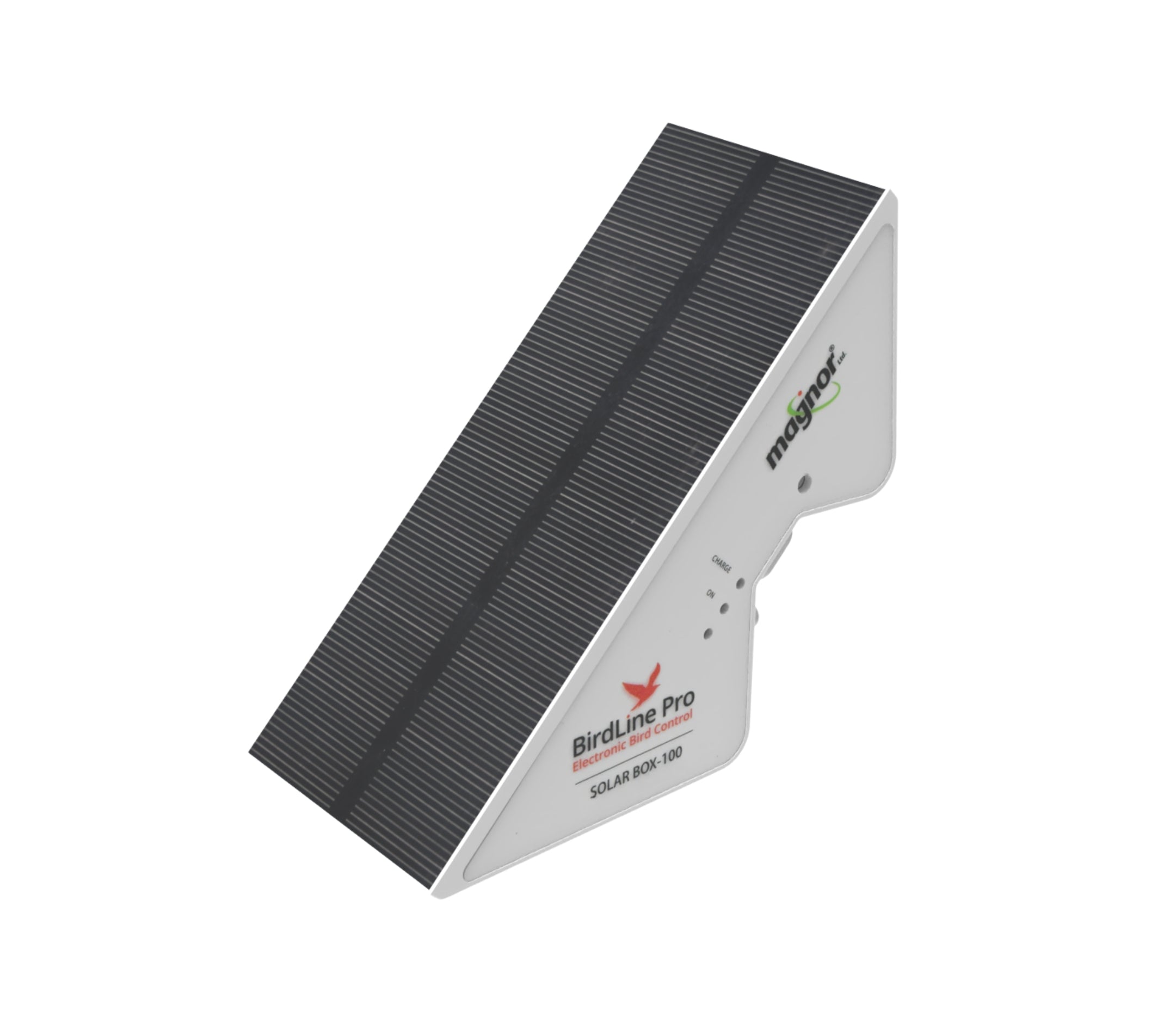
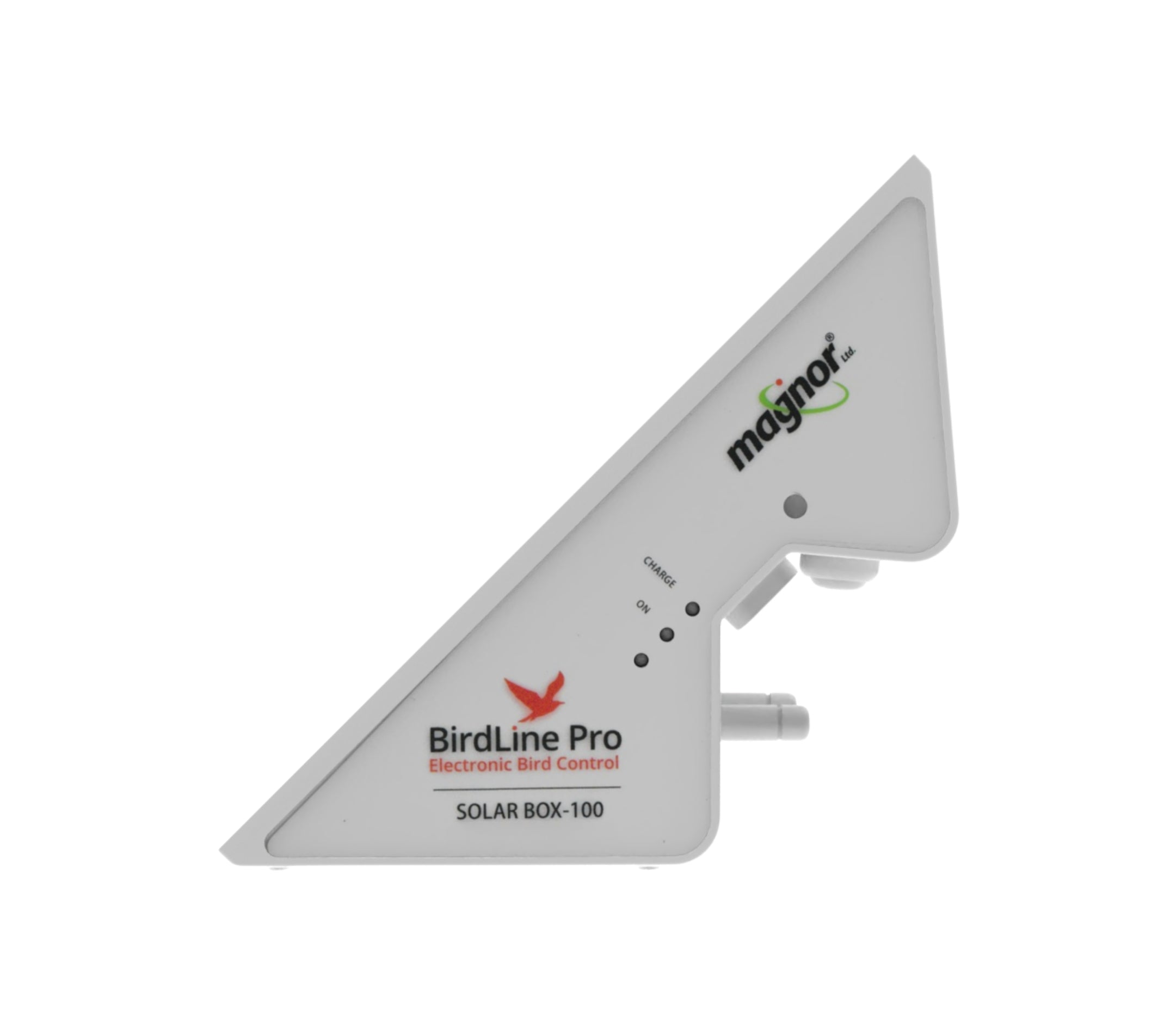
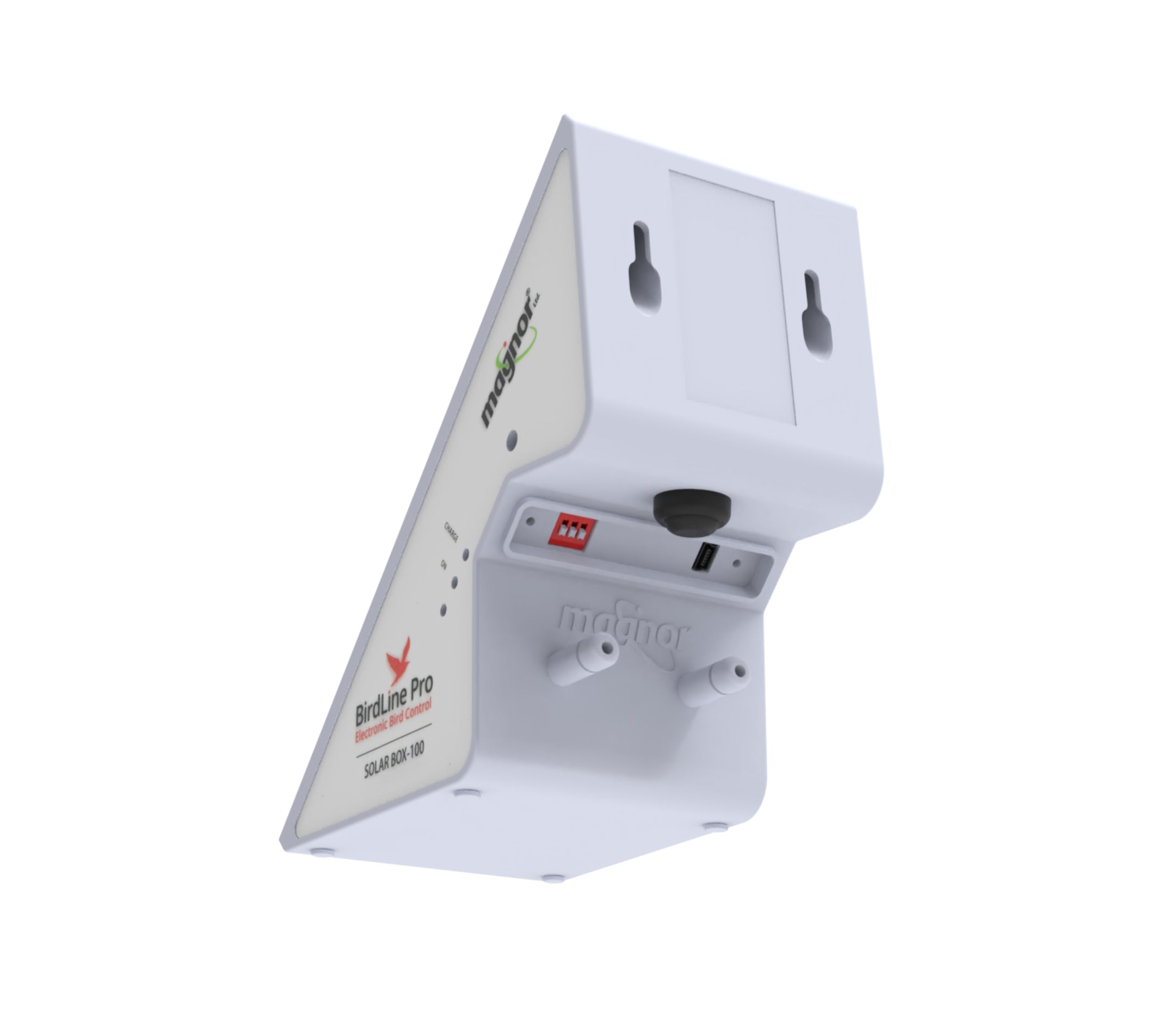
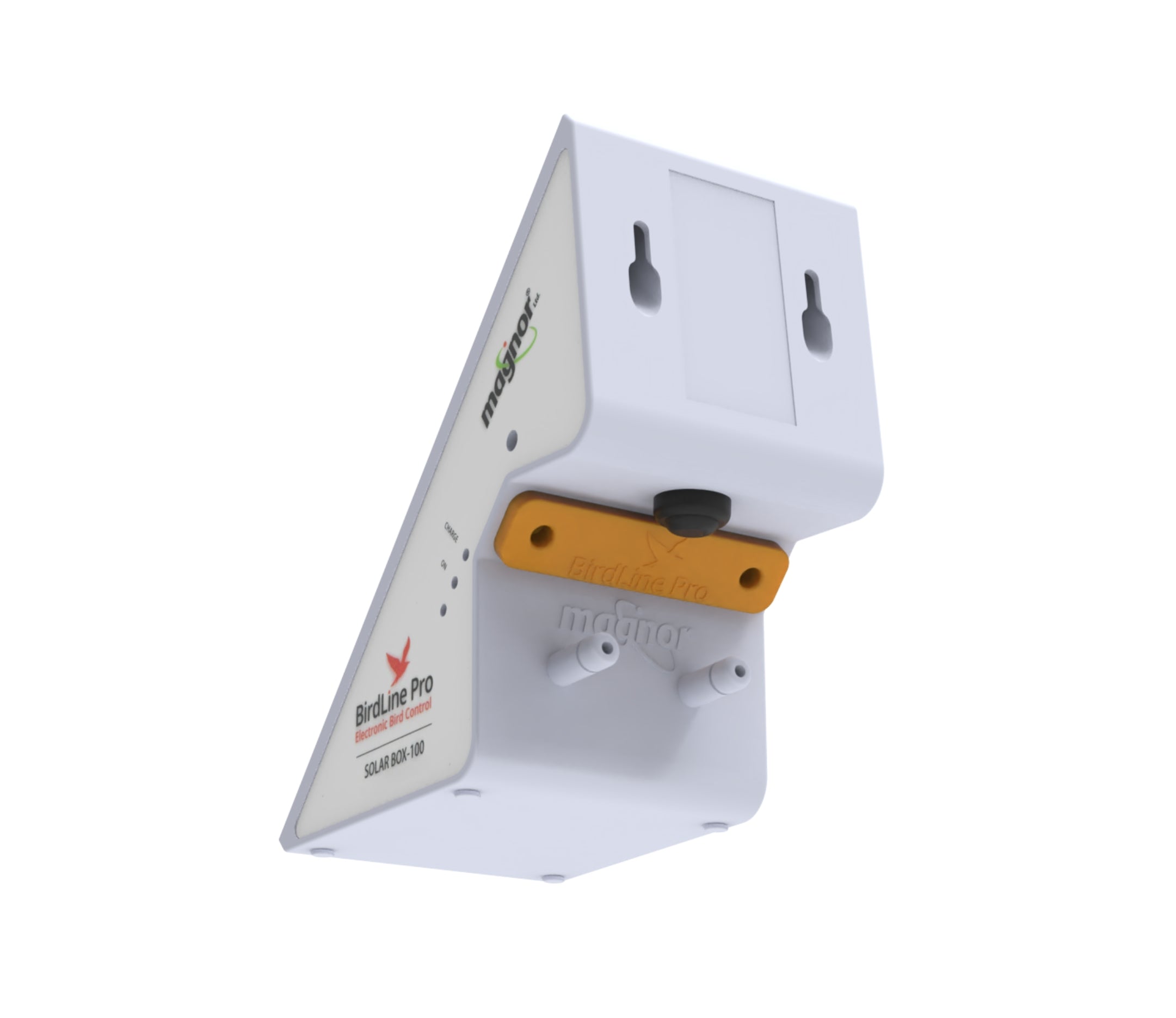
BirdLine Pro Solar Power Source
The birdline pro solar box is controlled by a smart electric processor. The processor controls the structure, intensity and frequency of the pulse, as well as its automatically adaptation to varying conditions such as humidity, day and night, etc.
Pairs well with
In stock! Ships within 1-2 business days.
90-day risk-free trial
2-Year Warranty
Complimentary shipping & returns
BirdLine Pro Solar Power Source
If you have any questions, you are always welcome to contact us. We'll get back to you as soon as possible, within 24 hours on weekdays.
-
Shipping Information
Use this text to answer questions in as much detail as possible for your customers.
-
Customer Support
Use this text to answer questions in as much detail as possible for your customers.
-
FAQ’s
Use this text to answer questions in as much detail as possible for your customers.
-
Contact Us
Use this text to answer questions in as much detail as possible for your customers.

Assembly Instructions
Step 1

Step 2
Step 3

Step 4
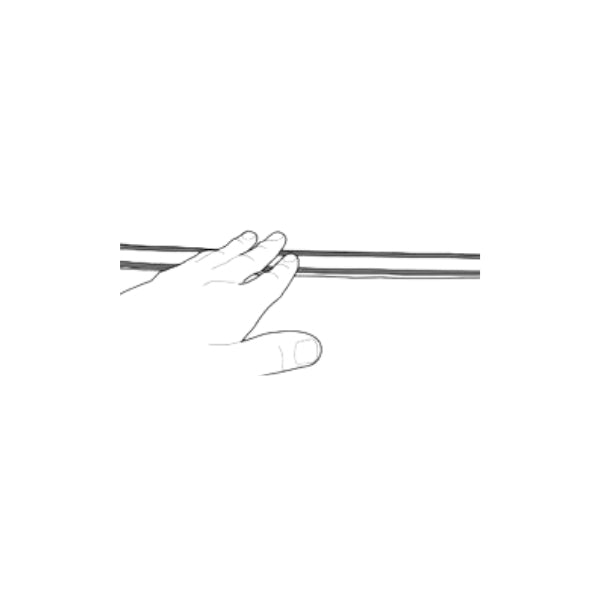
Step 5
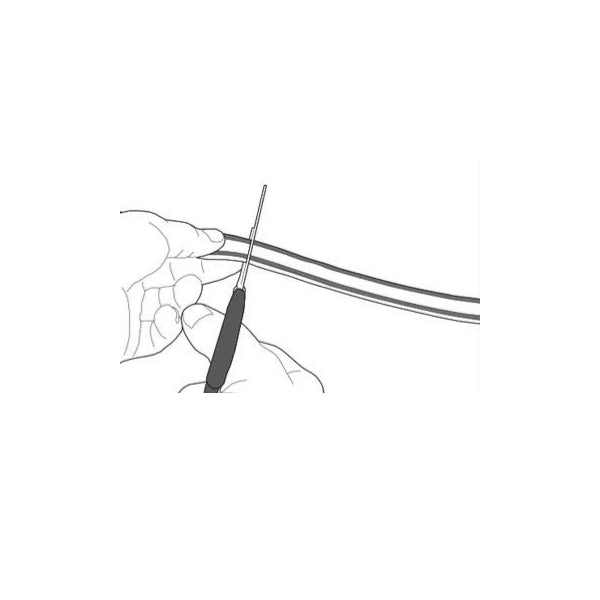
Step 6
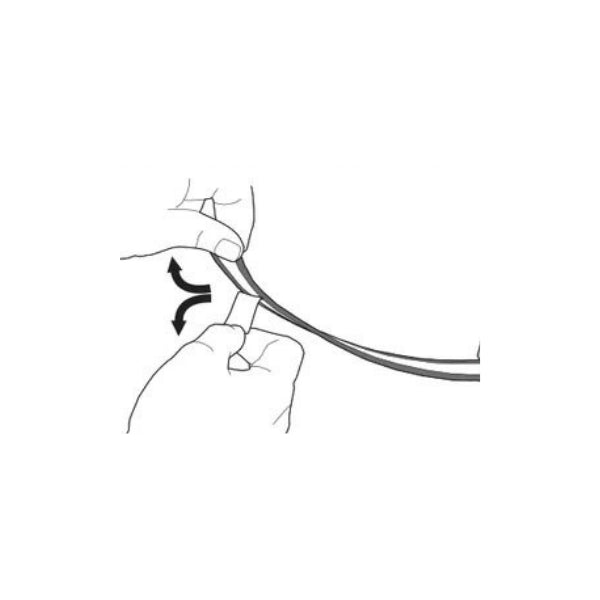
Step 7
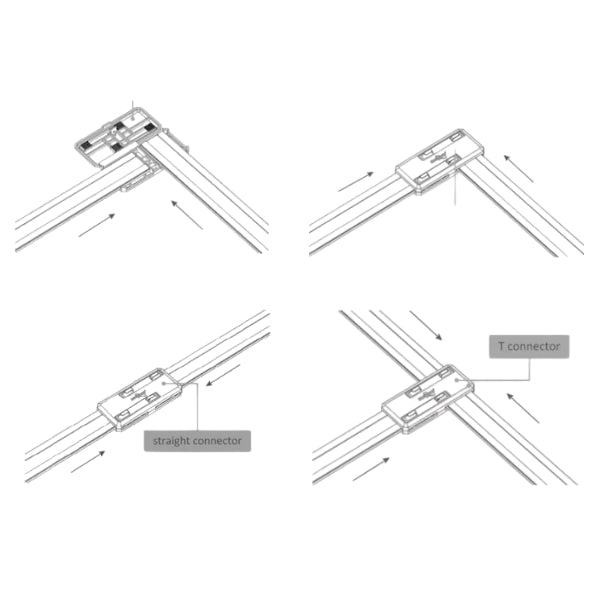
Step 8
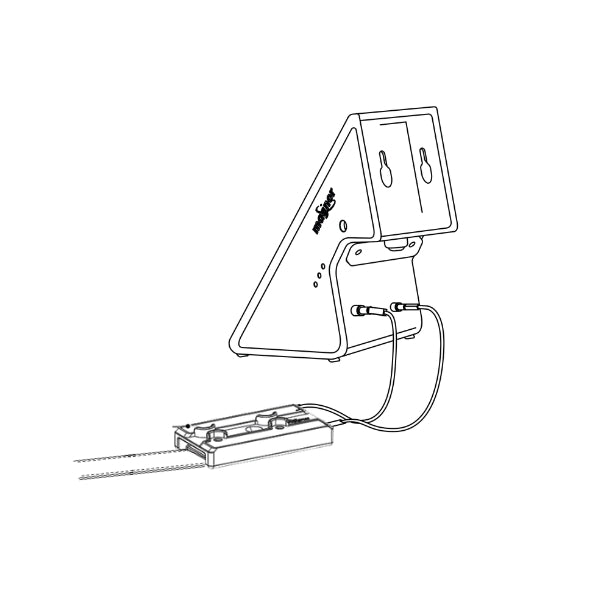
Step 9
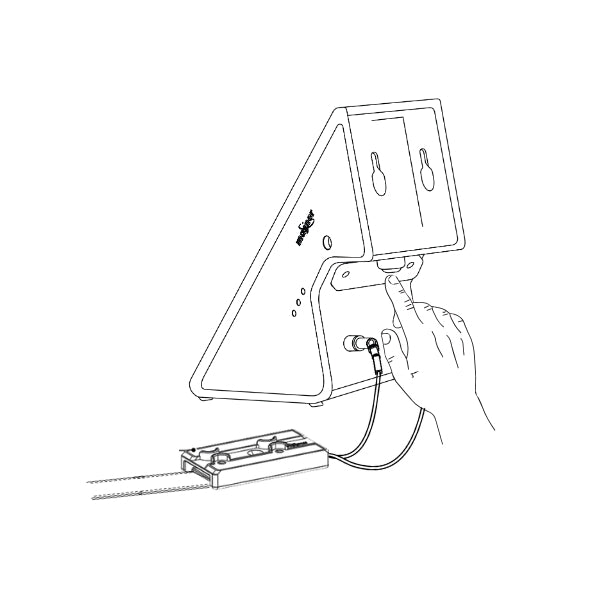
Step 10


Pest Control Collection
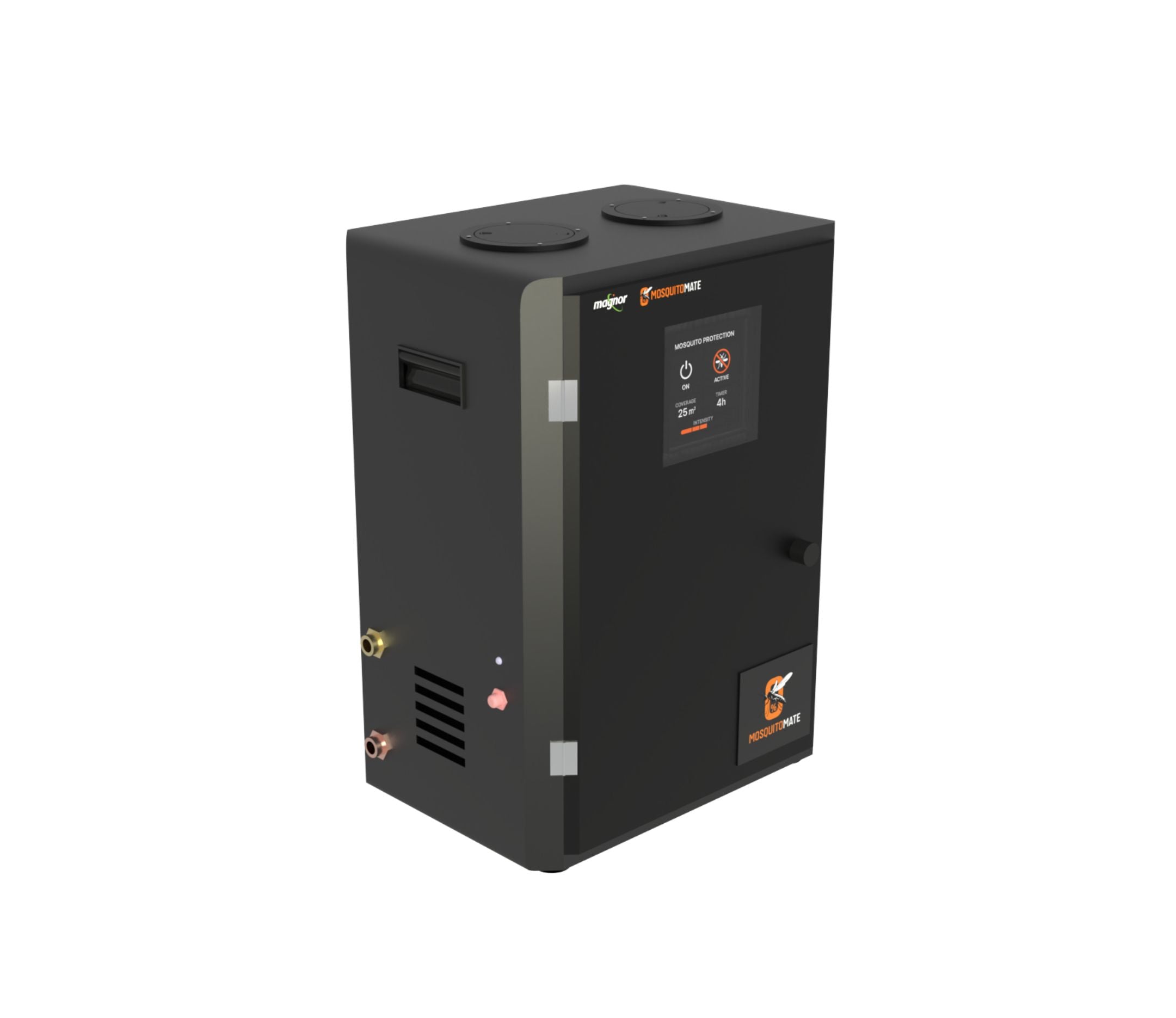









SMART SOLAR DEFENSE. NO POWER LIMITS.
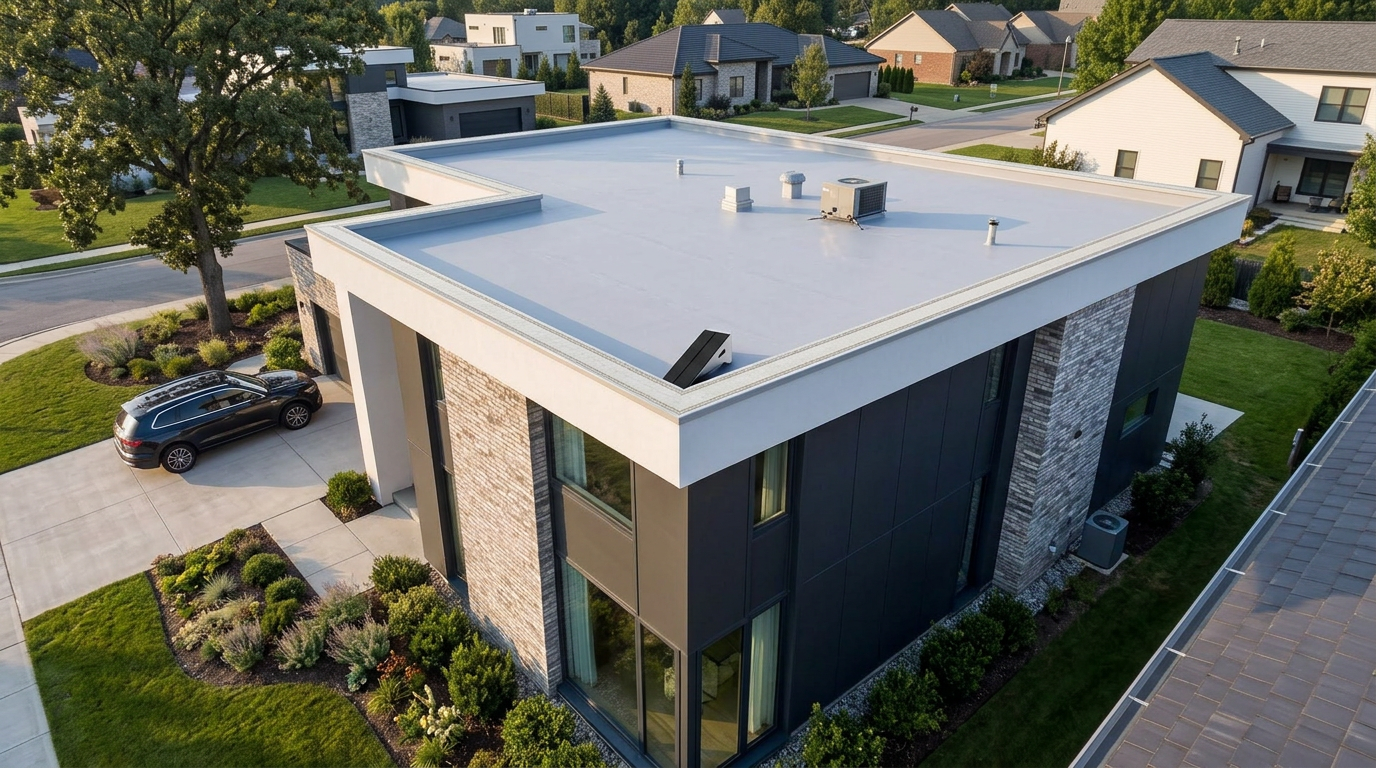
BirdLine Pro Solar Power Source
How It Works?
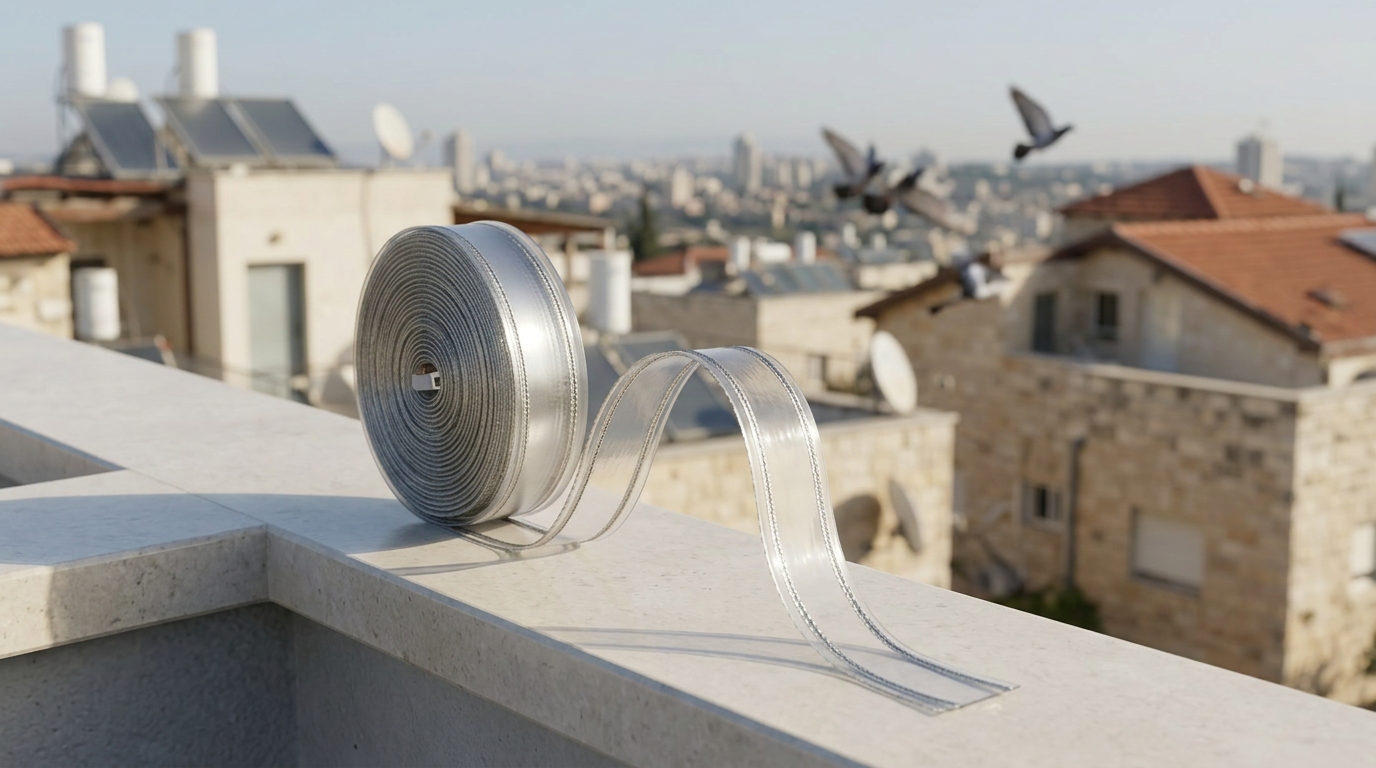
BirdLine Pro Solar Power Source
Designed for Real Environments
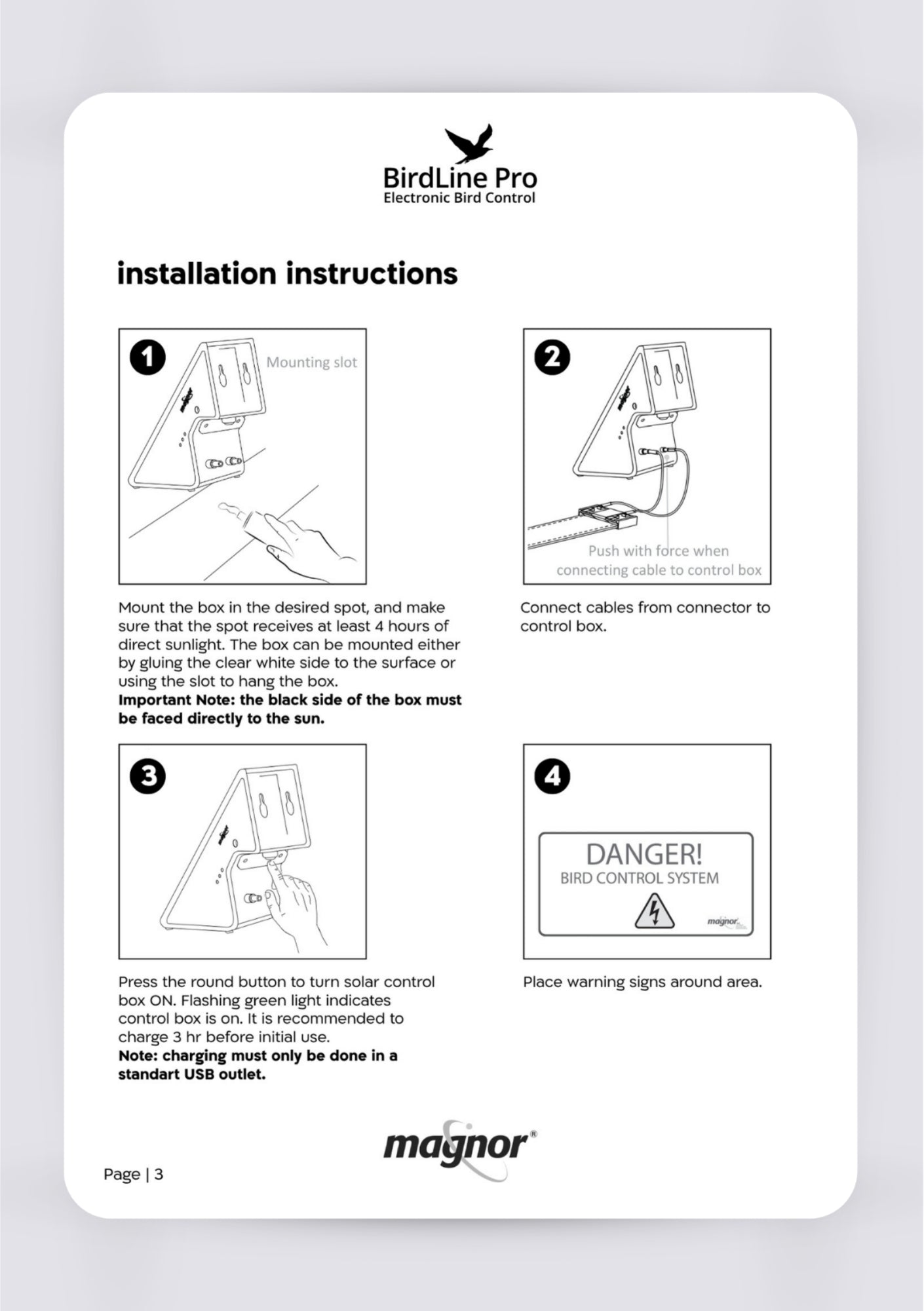
User Manual
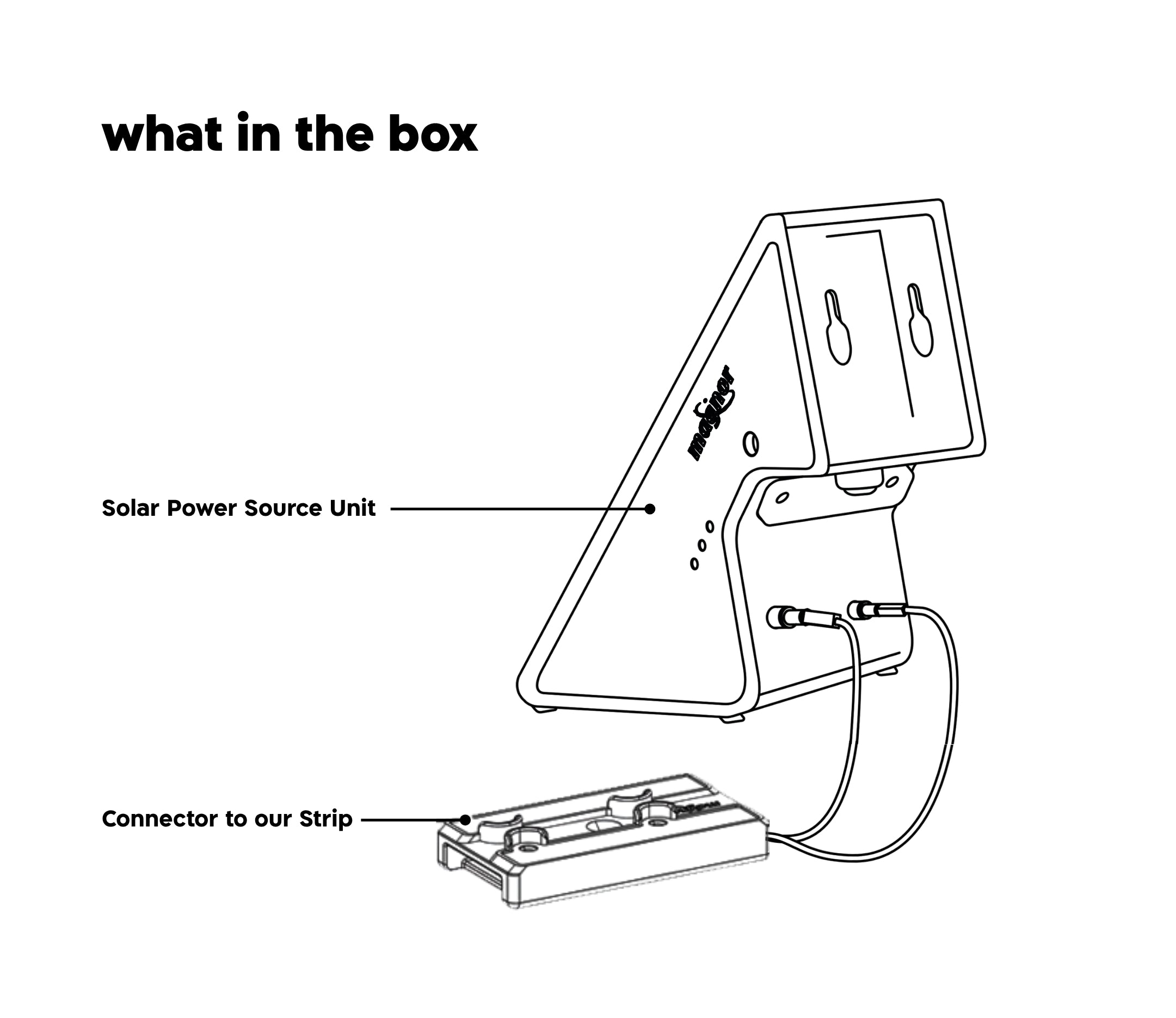
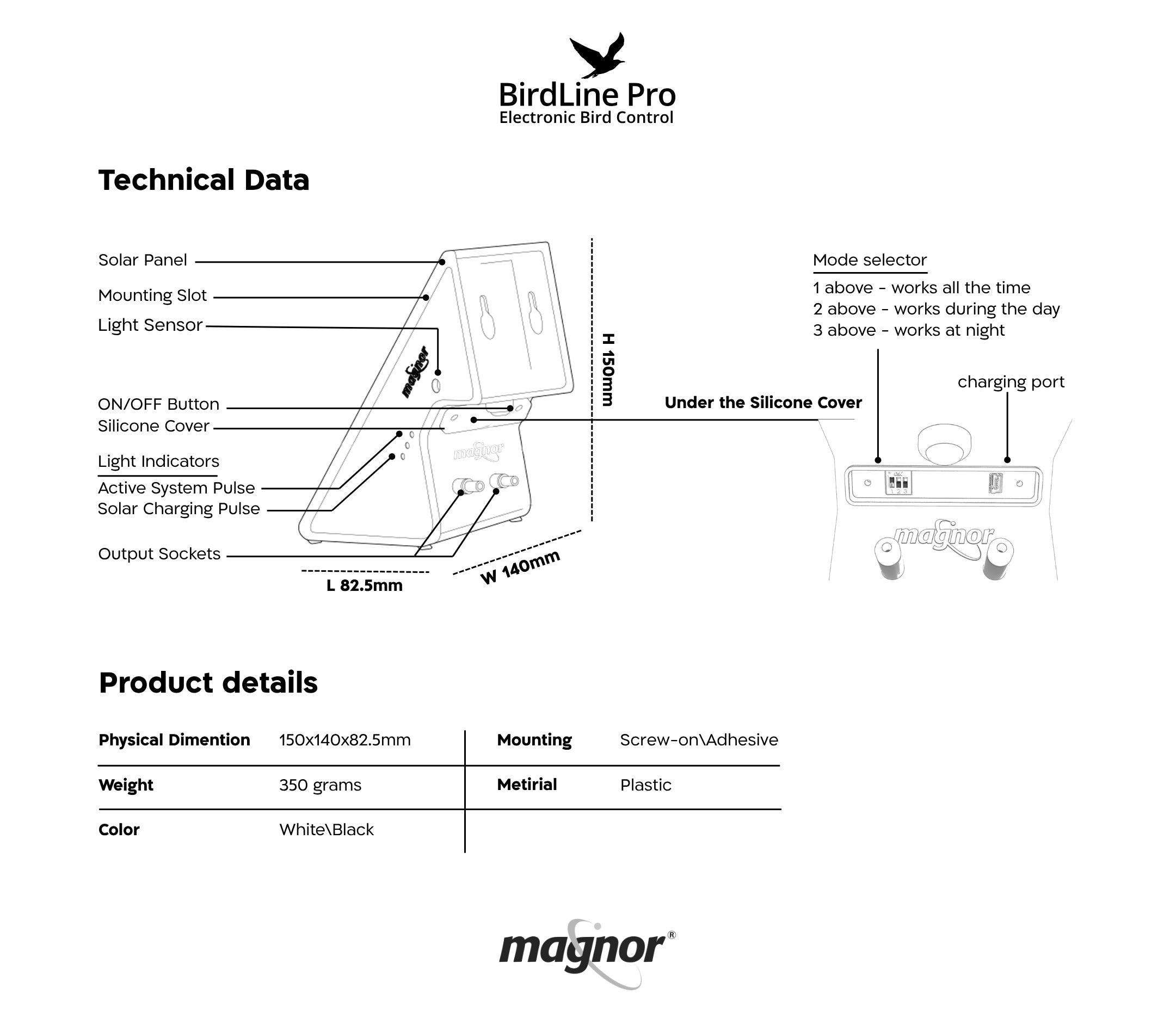
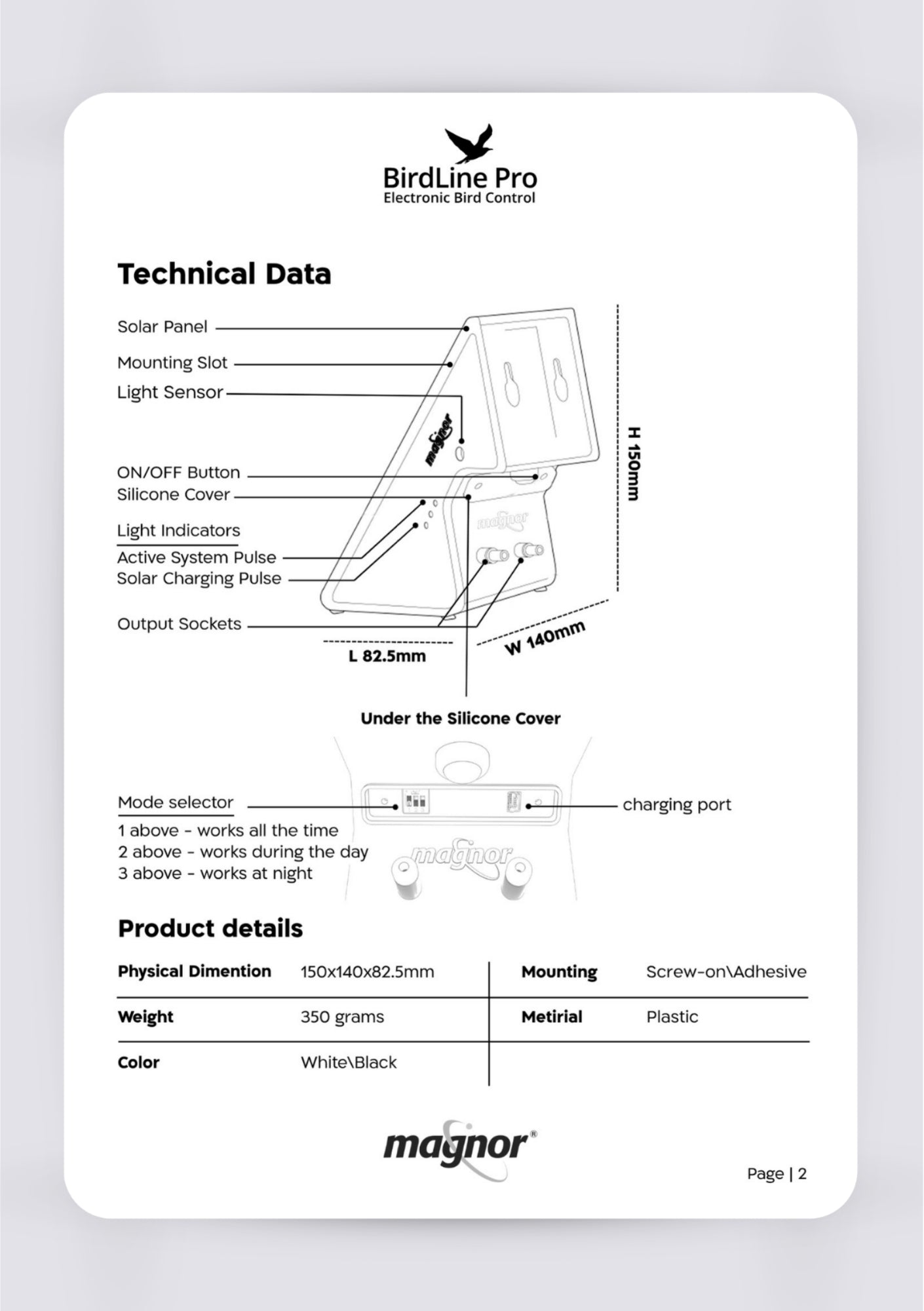
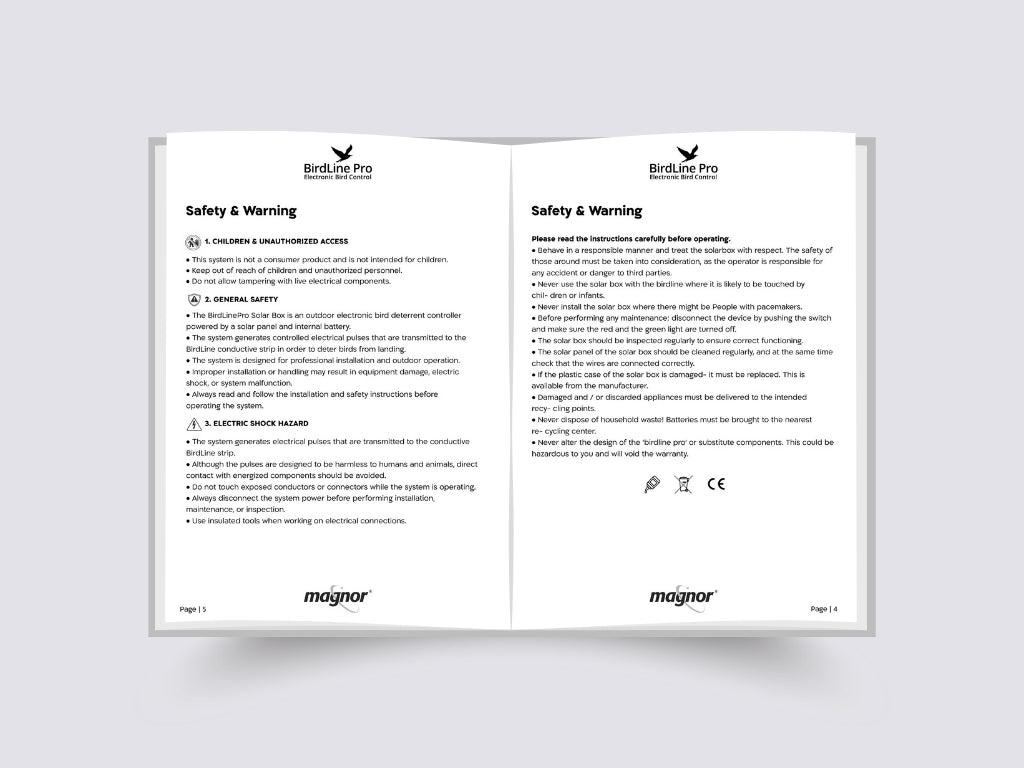
Discover all product specifications and included parts. Follow clear assembly instructions step by step. Access helpful troubleshooting tips and visual guides.

FAQs
Here you can find quick answers to the most common questions and troubleshooting steps to help resolve issues on your own.
Why isn’t the system working?
Why is the system less effective than before?
When should I contact support?
